On this page
Product Strategy5 min · 7 Mar 2026
AI design tools overview
A frontend developer's honest look at AI design tools — what actually works, what's just an LLM wrapper, and how to pick the right one for your workflow.

Geddy
Senior Web Engineer / Lead
0:00
TL;DR30 sec
- Superdesign replaced UX Pilot in the author's workflow because generating working React components inside your IDE beats exporting static HTML every time.
- Most AI design tools are polished wrappers around leading LLMs, but their real value is providing a structured discovery process before you commit to code.
- The landscape splits cleanly into categories — exploration, code generation, production integration, collaboration, and assets — and picking the wrong category wastes more time than picking the wrong tool.
- Google Stitch (formerly Galileo AI) and v0 by Vercel stand out as the strongest free and developer-native options respectively.
- Builder.io's Fusion is the only tool here solving the real production problem: letting designers make changes that flow through Git without drifting from the design system.
- The era of endlessly iterating mockups with frustrated designers is over — AI absorbs that churn without complaint, and that alone changes the dynamic.
Know whether you need exploration, code generation, or production integration — that single decision matters more than which specific tool you pick.
Not a Designer, But I've Got Opinions on Design Tools
I'm not a UX designer. But years on the frontend side mean I've worked closely with design and UX people — enough to know what good tooling looks like and what's just a pretty wrapper around an LLM prompt.
I remember the excitement when I first discovered UX Pilot. It felt like a genuine shift — describe your requirements, get back multiple design variations, export to HTML, hand that to a coding agent. Clean workflow. Then I caught up with a former colleague, a proper UI/UX professional, and he pointed me toward a few other tools he'd been exploring. That conversation reshaped how I think about this space.
The Tools I've Actually Used
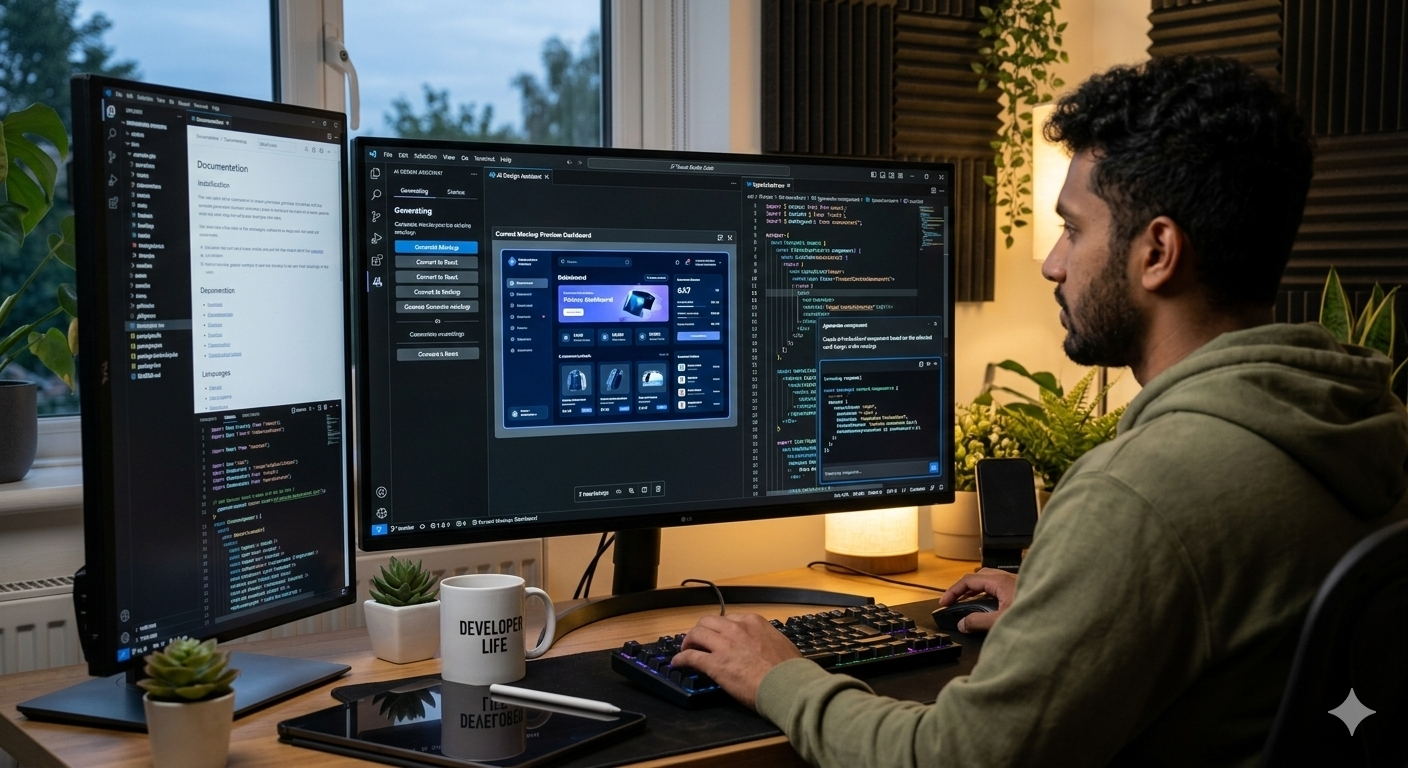
Superdesign is the one that replaced UX Pilot in my workflow. It lives inside your IDE — VS Code, Cursor, Windsurf — as an extension. Describe a UI component in natural language, get multiple high-fidelity mockups alongside real React code you can drop straight into your project. Everything stays local in a .superdesign/ folder. No cloud upload. It exports a style.md file with design tokens that works brilliantly as context for Claude Code. I shipped a real project with it — designed, exported, built, and deployed privately within a Google Workspace organisation scope.
UX Pilot faded after that. It's still solid for early-stage exploration, especially if you're a non-designer who needs guided discovery. But once you've tasted generating working React components without leaving your editor, going back to HTML-only export feels limiting.
And then there's Figma — the industry standard. Every designer lives in it. AI features like Figma Make are now built in, and Dev Mode handles developer handoff cleanly. For solo developers, it's often overkill. But if you're collaborating with a design team, there's no avoiding it.
Two newer tools caught my eye for their focus on the creative discovery process: Paper.design offers a calm, tactile sketch-and-iterate experience — more refined sketchpad than coding agent. Pencil turned out to be something different entirely — it's purpose-built for marketing teams generating ad creatives at scale, not UI/UX work. Worth knowing the distinction.
The Wider Landscape
Once I started digging, the number of AI design tools out there surprised me. Here's what stood out:
Google Stitch is the result of Google acquiring Galileo AI and merging it with Gemini 2.5 Pro. It's free, generous with monthly generation limits, and exports cleanly to both Figma and HTML/Tailwind/JSX. Strong first-pass ideation tool. If you remember Galileo AI from older articles — this is what it became.
v0 by Vercel is squarely aimed at React/Next.js developers. Prompt in, get working components with Tailwind and shadcn/ui, live preview, one-click Vercel deploy. Best-in-class code quality for that ecosystem. Caution: credits burn fast on complex iterations.
Builder.io occupies a unique niche — it's not for ideation, it's for production. Its Fusion feature lets you visually edit UI that's connected to your real codebase and component library. Changes go through Git as pull requests. Overkill for solo work, but for teams wanting designers to make changes without drifting from the design system, it's compelling.
On the asset side: Recraft generates style-consistent image sets with SVG export — rare and genuinely useful for brand coherence. Adobe Firefly is commercially safe by design, trained on licensed content, and deeply integrated into Creative Cloud. Microsoft Designer and Canva Magic Studio serve the marketing visual space well but aren't UI/UX tools.
Uizard deserves a mention for non-designers — photograph a hand-drawn sketch and get an editable wireframe with Figma import/export. And Emergent sits in the vibe-coding category alongside Lovable and Bolt — full-stack generation from prompts where UI is one part of the output.
What's Actually Happening Here
Most of these tools are, let's be honest, a well-tailored layer on top of the leading LLMs. You could probably get a working design out of Claude Code without any of them. But that misses the point. These tools provide a structured discovery experience — a process for exploring what something could look like before committing to code. That's genuinely valuable.
I remember the days when clients would ask to push things left, change a colour, swap a font — iterating endlessly in a way that frustrated designers and developers equally. Now there's an AI designer you can throw anything at and it won't complain. That shift is real.
We're in the early stage of a wave here. For experienced developers, building tools like these is becoming increasingly possible — which means the space will keep expanding. They're making design accessible to anyone with a personal project and an idea.
Choosing the Right Tool
These tools fall into distinct categories. Knowing which one you need saves time:
- Design exploration → Google Stitch, UX Pilot, Paper.design, Uizard
- Developer-native code generation → Superdesign (IDE), v0 (React/Vercel)
- Production codebase integration → Builder.io / Fusion
- Professional design collaboration → Figma
- Brand and marketing assets → Recraft, Canva, Adobe Firefly, Microsoft Designer
- Full-stack prototyping → Emergent, v0 (expanded)
For a developer-led workflow, my current pipeline is: Google Stitch or UX Pilot for initial visual exploration, Superdesign or v0 for component-level code, and Builder.io if design changes need to flow back into production without developer intervention.
The line between "designer" and "developer" keeps getting blurrier. Are these tools replacing the design process — or are they finally making it accessible to the people who've been building the interfaces all along?
Geddy
Senior Web Engineer / Lead
Engineering leadership • AI innovation • Product thinking. 20+ years of web engineering, from independent contractor to engineering leader. Passionate about developer experience and product engineering.
Follow on LinkedInKeep reading